GitHub Actions CI/CD for Your Next.js App
Automate linting, type checking, tests, and Vercel previews on every pull request with a practical GitHub Actions workflow.
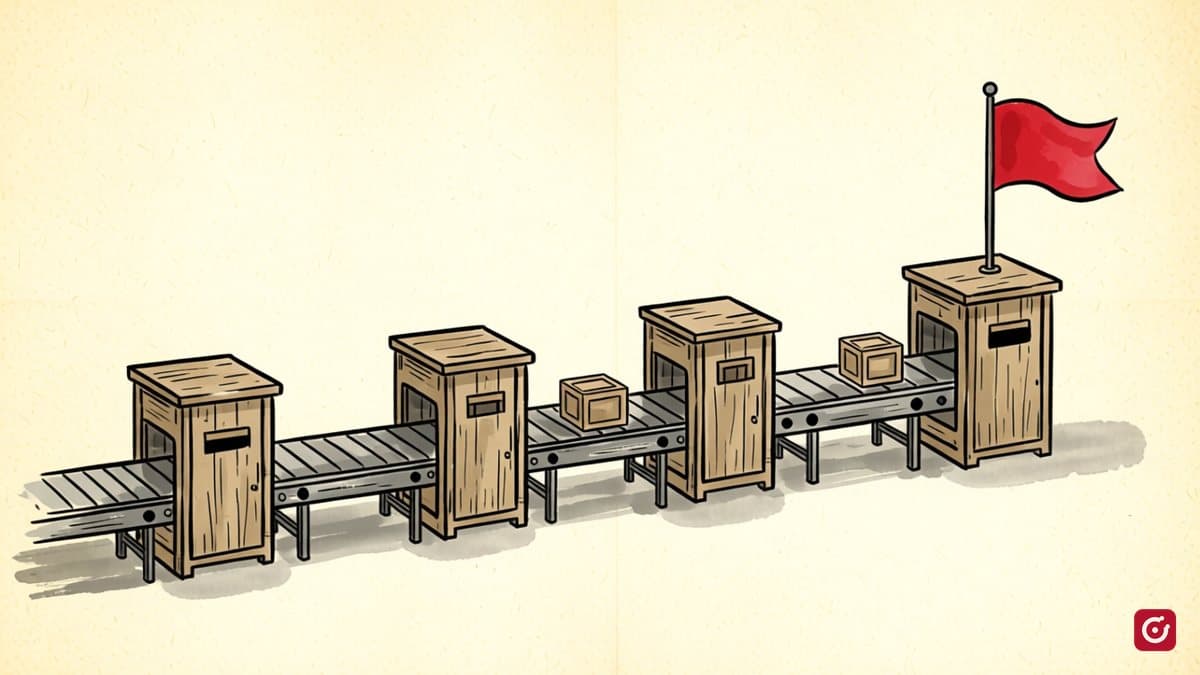
It's easy to push a change, assume you'll check the build later, and find out in production that you didn't. GitHub Actions makes that check automatic. This post walks through a complete, practical CI/CD pipeline for a Next.js app.
What we're building
A workflow that runs on every push and pull request, doing four things:
- Lint & format check — catch style regressions before review
- Type check — TypeScript errors fail the build before merging
- Unit tests — confidence that logic still works
- Preview deploy — Vercel previews so reviewers can click through the change
Workflow basics
Workflows live in .github/workflows/. Each file is YAML and maps event triggers to jobs. A job is a list of steps that run sequentially on a fresh runner.
# .github/workflows/ci.yml
name: CI

on:
  push:
    branches: [main]
  pull_request:
    branches: [main]
This triggers on pushes to main and on any PR that targets main. The push filter only matches main, so a commit on a feature branch with an open PR gets one run, from the pull_request event. Merging then triggers a push run on main.
The jobs
jobs:
  quality:
    name: Lint, Types & Tests
    runs-on: ubuntu-latest

    steps:
      - uses: actions/checkout@v4

      - uses: actions/setup-node@v4
        with:
          node-version: 22
          cache: 'npm'

      - run: npm ci

      - name: Lint
        run: npm run lint

      - name: Type check
        run: npx tsc --noEmit

      - name: Tests
        run: npm test -- --passWithNoTests
A few things worth noting here:
actions/checkoutandactions/setup-nodeare the standard first steps. Pin to a major version tag so you get patch fixes automatically without surprise breaking changes, and check for newer majors now and then.cache: 'npm'on the setup-node action caches~/.npm(the global npm cache) keyed topackage-lock.json. On a warm cache, this noticeably cuts install time.npm ciinstead ofnpm install— it respects the lockfile exactly and errors if the lockfile is out of date. It's the right command for CI.--passWithNoTestslets the pipeline succeed on a fresh project with zero test files. Remove it once you actually have tests.
Type checking isn't the same as building
next build does run a type check, unless typescript.ignoreBuildErrors is set in next.config.js. A separate tsc --noEmit step is still worthwhile: it fails sooner, without waiting for a full build, and gives CI a clearly labelled step for type errors.
If you use path aliases, define them under paths in tsconfig.json. Next.js reads them from there, and so does tsc. Aliases that exist only in a custom webpack config in next.config.js are invisible to tsc.
Caching goes further with actions/cache
For monorepos or large install graphs, you may want more control than cache: 'npm' gives you. Use this in place of that option, not alongside it:
- name: Cache npm downloads
  uses: actions/cache@v4
  with:
    path: ~/.npm
    key: ${{ runner.os }}-npm-${{ hashFiles('**/package-lock.json') }}
    restore-keys: |
      ${{ runner.os }}-npm-
The restore-keys fallback lets you use a stale cache when the lockfile changed (say, you added one package). A stale hit is still faster than a cold install.
Secrets and environment variables
For deployment or any service that requires a key, add it in Settings → Secrets and variables → Actions in your GitHub repo. Then reference it in the workflow:
env:
  API_TOKEN: ${{ secrets.API_TOKEN }}
Next.js inlines any NEXT_PUBLIC_* value into the browser bundle, so those are never secret. Store them as plain configuration variables and read them with ${{ vars.NEXT_PUBLIC_API_URL }}.
Never hardcode secrets or commit .env files. If you accidentally commit one, rotate the key immediately. Removing it in a later commit doesn't remove it from git history, and bots scrape public repos for leaked keys.
Preview deploys with Vercel
If you deploy to Vercel, the Vercel GitHub App creates preview deployments automatically for every push to a PR branch with zero workflow YAML needed — it hooks in at the GitHub deployment API level. The preview URL appears as a status check on the PR.
If you need to trigger a deploy from a workflow (for example, only after your checks pass), use the Vercel CLI:
- name: Deploy preview
  run: npx vercel --token ${{ secrets.VERCEL_TOKEN }} --yes
  env:
    VERCEL_ORG_ID: ${{ secrets.VERCEL_ORG_ID }}
    VERCEL_PROJECT_ID: ${{ secrets.VERCEL_PROJECT_ID }}
Putting it all together
Here's the complete ci.yml as a starting point:
name: CI

on:
  push:
    branches: [main]
  pull_request:
    branches: [main]

jobs:
  quality:
    name: Lint, Types & Tests
    runs-on: ubuntu-latest

    steps:
      - uses: actions/checkout@v4

      - uses: actions/setup-node@v4
        with:
          node-version: 22
          cache: 'npm'

      - run: npm ci

      - name: Lint
        run: npm run lint

      - name: Type check
        run: npx tsc --noEmit

      - name: Tests
        run: npm test -- --passWithNoTests

      - name: Build
        run: npm run build
The final build step means a green check confirms the project builds, not just that the linter is happy. It adds some time to each run, but it catches failures that the earlier steps can't.
Branch protection
CI is most valuable when you enforce it. Go to Settings → Branches → Add rule, target main, and check Require status checks to pass before merging, then select the Lint, Types & Tests check (GitHub lists it by the job's name). Now a PR with failing checks can't be merged, which removes the "I'll fix it after" temptation.
Once this is in place, every change reaching main through a PR has passed the same checks.