Automating My Homelab with n8n
I replaced a pile of brittle cron scripts with n8n — a self-hosted automation tool where workflows are visual, debuggable, and triggered by real webhooks.
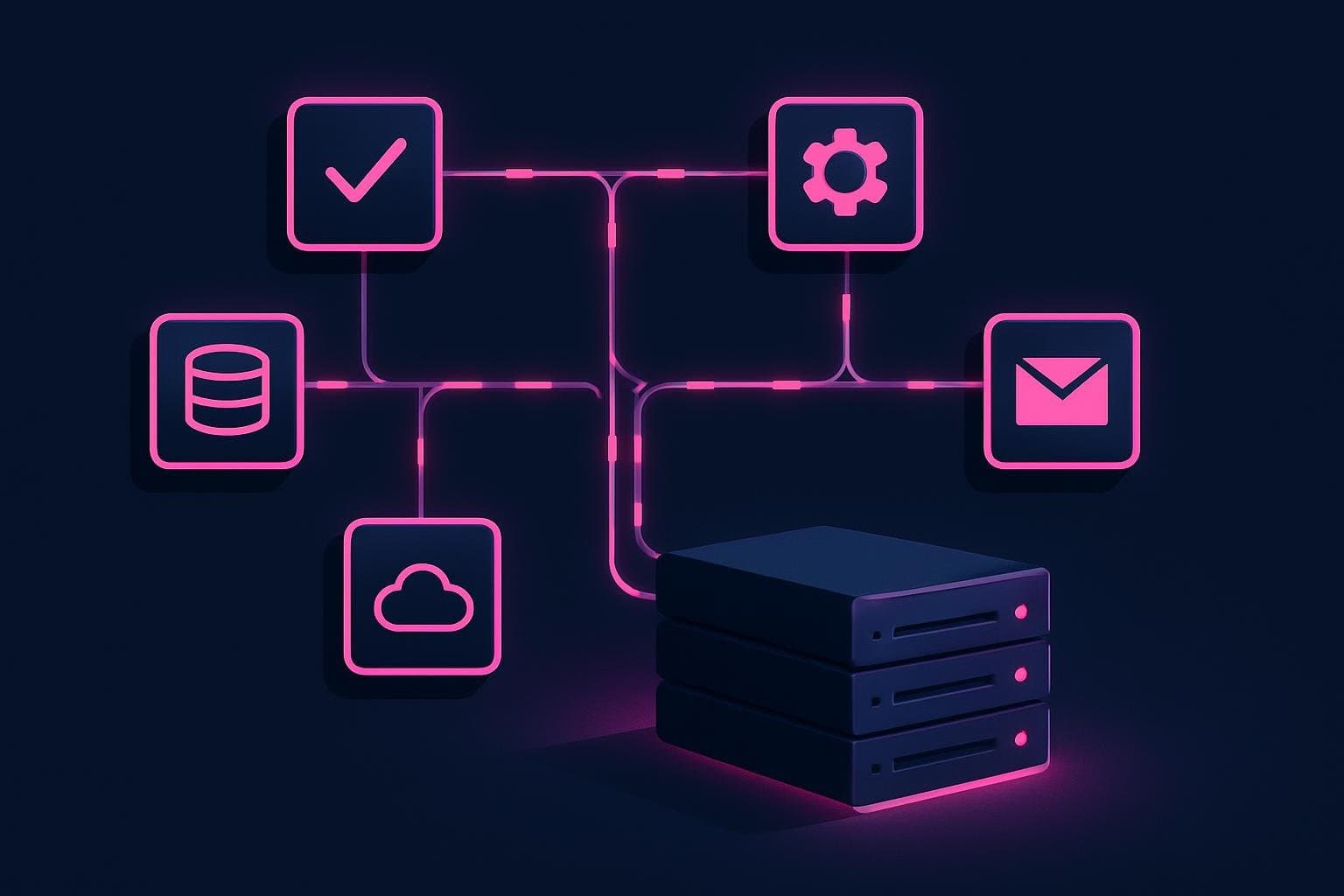
For years the glue holding my homelab together was a folder of shell scripts and cron jobs. They worked until they didn't, and when one failed silently at 3am I usually found out days later. n8n replaced almost all of it. It's a self-hosted workflow automation tool where each automation is a graph of nodes you can see, run step by step, and inspect — and because I host it myself, my data never leaves the lab.
In this post I'll show how I run n8n in Docker and walk through a small but genuinely useful workflow: a webhook that receives an event, shapes the data in a Code node, and fires a notification.
Running n8n in Docker
n8n ships an official image, so it slots right into the Compose-based setup I use for everything else. Here's a minimal, current configuration:
services:
  n8n:
    image: n8nio/n8n:latest
    restart: unless-stopped
    ports:
      - '5678:5678'
    environment:
      - N8N_HOST=n8n.example.com
      - N8N_PORT=5678
      - N8N_PROTOCOL=https
      - WEBHOOK_URL=https://n8n.example.com/
      - GENERIC_TIMEZONE=America/Chicago
      - TZ=America/Chicago
    volumes:
      - n8n_data:/home/node/.n8n

volumes:
  n8n_data:
Two settings matter more than they look. WEBHOOK_URL tells n8n the public URL to advertise for incoming webhooks — get this wrong and the URLs it generates won't be reachable from outside. And GENERIC_TIMEZONE makes the Schedule node fire when you expect it to, instead of in UTC. The n8n_data volume persists your credentials and workflows, so a container rebuild doesn't wipe your work.
On first launch n8n walks you through creating an owner account via its built-in user management — no extra auth wiring needed.
A real workflow: webhook → transform → notify
My most-used pattern is dead simple: something happens, n8n catches it on a webhook, reshapes the payload, and pushes a notification. Here's the shape of it.
1. The Webhook node. Add a Webhook node, set the method to POST, and give it a path like deploy-finished. n8n hands you a test URL and a production URL. Anything that can make an HTTP request can now trigger the workflow:
curl -X POST https://n8n.example.com/webhook/deploy-finished \
  -H 'Content-Type: application/json' \
  -d '{"service":"blog","status":"success","duration":42}'
Inside n8n, the incoming request shows up as a single item whose json holds the parsed body, plus headers and query.
2. The Code node. This is where n8n earns its keep. The Code node runs JavaScript over the items flowing through it. In "Run Once for All Items" mode you read the input with $input.all() and return an array of items, each wrapped in a json key:
// Code node — shape the incoming webhook into a clean message
const items = $input.all();

return items.map((item) => {
  const { service, status, duration } = item.json.body;
  const emoji = status === 'success' ? '✅' : '❌';

  return {
    json: {
      message: `${emoji} Deploy of ${service} ${status} in ${duration}s`,
    },
  };
});
That contract — $input.all() in, an array of { json: ... } out — is the whole mental model for the Code node. Once it clicks, you can do almost any transformation without leaving the editor.
3. The notification. Wire the Code node into whatever you use to be reached. I send a request to a self-hosted ntfy instance with an HTTP Request node, posting {{ $json.message }} as the body. When the deploy webhook fires, the phone in my pocket buzzes with the formatted line.
Why this beats cron scripts
The thing I didn't expect was how much the visibility would matter. Every execution is recorded: I can open a run, click any node, and see exactly what data went in and came out. When something breaks, I'm not guessing — I'm looking at the failed item. n8n can also retry failed executions and email me when a workflow errors, which is the silent-failure problem solved outright.
It's also composable in a way scripts never were. The same deploy-finished webhook now branches: it notifies me and writes a row to Postgres for a little deploy-history dashboard. Adding that branch was dragging out one more node, not rewriting a script.
Where I'd start
If you want to try this, host n8n with the Compose snippet above, then build the smallest workflow that removes a real annoyance — a webhook that pings you when a backup finishes, say. Get one end-to-end automation working and inspectable, and you'll start seeing candidates for it everywhere. My cron folder has been shrinking ever since.